

How to install Google chrome in Ubuntu 18.04 LTS
All you need to install Chrome on Ubuntu & Linux Mint is …everything you already have. Open Firefox (the default web browser on Ubuntu) and head to the official Google Chrome download for Linux page.

You’ll see the following box appear. Check the “Download” option:

The installer package is downloaded to your
~/Downloads folder by default (unless you choose a different location).
When the Chrome installer download completes you can open your file manager to find it. To begin installation just click twice on the installer package:

The Software app will open. Click the ‘install’ button:

Enter your password when/if prompted:

Getting Set Up with Google Chrome in Ubuntu
On first run you may see a prompt asking if you want to make Google Chrome your default browser on Ubuntu:
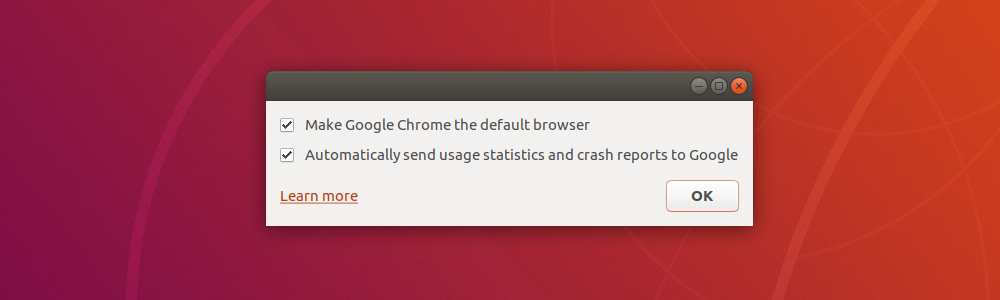
If you do, check the box and click “Ok” to proceed.
Google Chrome will open and you’ll see a (mostly empty) browser window.

Your Browser Successfully Installed

 Hello, my name is P.Gurunadh.I am created this blog to spread information easily
No comments:
Post a Comment