

Long Term Support releases typically focus more on conservative software refinement than they do on major changes. Traditionally this isn’t a bad thing, and people opt to ride an LTS release for the reassurance of ongoing support
Not so with the “Bionic Beaver.”
For those upgrading from 16.04 Ubuntu 18.04 is arguably the single biggest Ubuntu release in recent memory.
Almost every part of the OS is different, improved or new. There’s a new desktop, new kernel, new apps, new lock screen,new workflow, and more:
Not so with the “Bionic Beaver.”
For those upgrading from 16.04 Ubuntu 18.04 is arguably the single biggest Ubuntu release in recent memory.
Installing Ubuntu 18.04
 The first major changes are only noticeable when you install Ubuntu 18.04 fresh
New options include a new ‘minimal install’, which install the same Ubuntu OS but without
most of the software it typically comes with. You get a web browser,
file manager and essential utilities. Everything else is gone.
Ubuntu creates a Swapfile instead of a Swap partition during installation. This change won’t affect existing installs, and applies on systems where it makes sense (i.e. most). The change helps improve system performance.
Ubuntu First Run Wizard
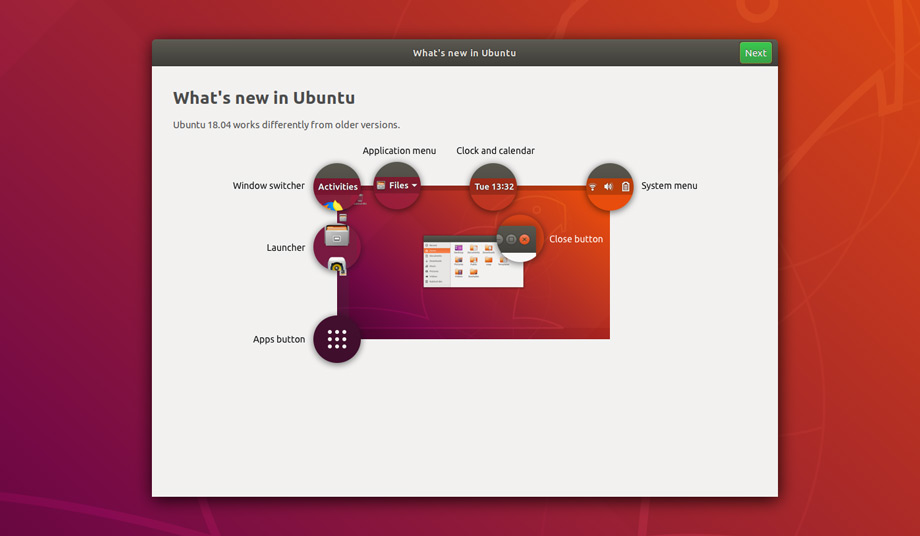
Every users of 18.04, fresh installs and upgrades alike, will be greeted by a new first run wizard called “Welcome to Ubuntu”.
This tool is not an in-depth usage companion app like Ubuntu MATE Welcome but it succeeds in what it does which is: a) to bring you (and everyone else) up to speed on the new desktop, and b) opt-in to some additional features:- Guide to GNOME Shell desktop
- Option to enable Livepatch to install Kernel updates without rebooting
- Help improve Ubuntu by enabling anonymous system diagnostics
- Overview of Snap apps
The GNOME Shell Desktop

"Unity desktop has been replaced by a leaner, cleaner GNOME Shell desktop"
Gone is the home-grown Unity desktop which helped Ubuntu cement its popularity and shape its personality since 2010. In its place is the leaner, cleaner and more modern GNOME Shell desktop.
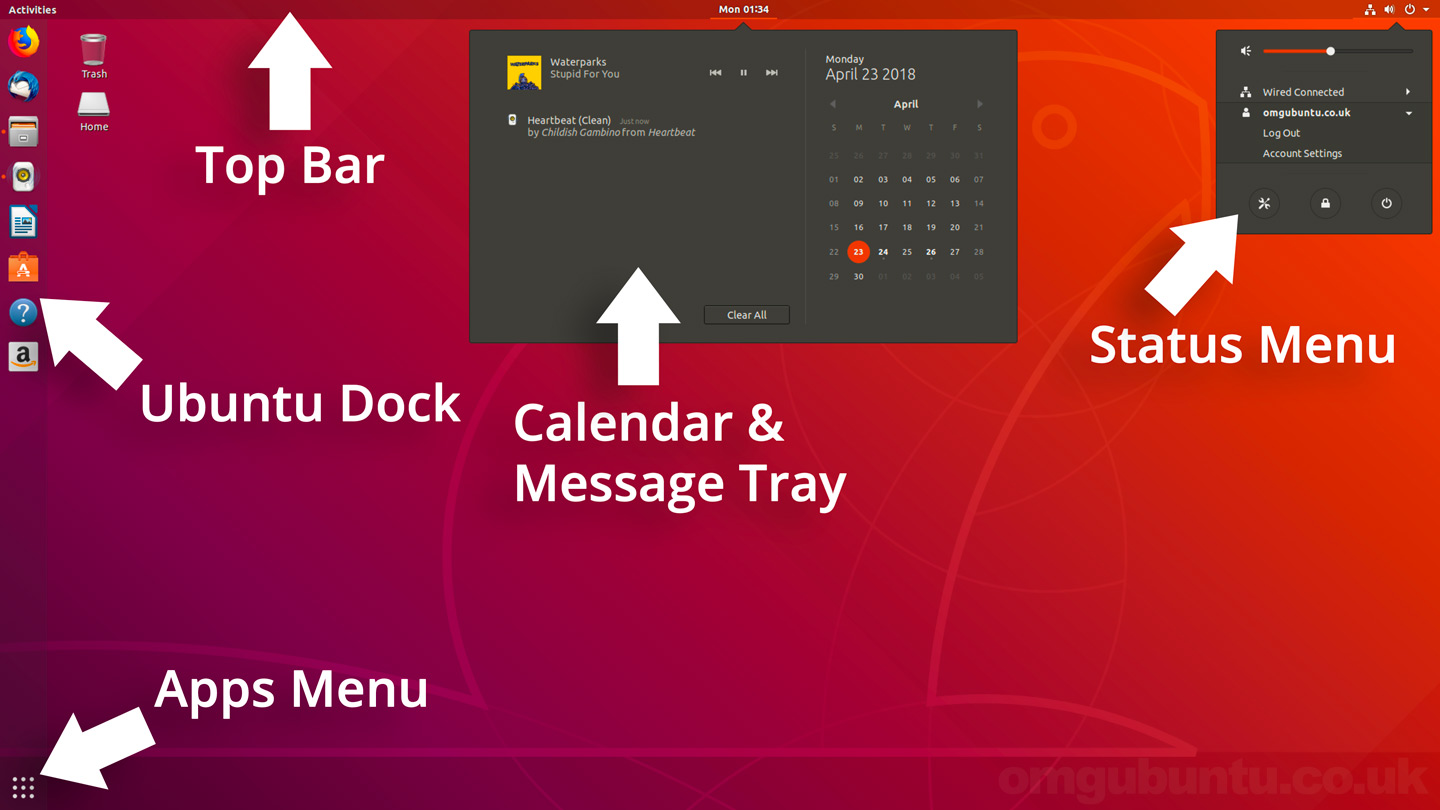
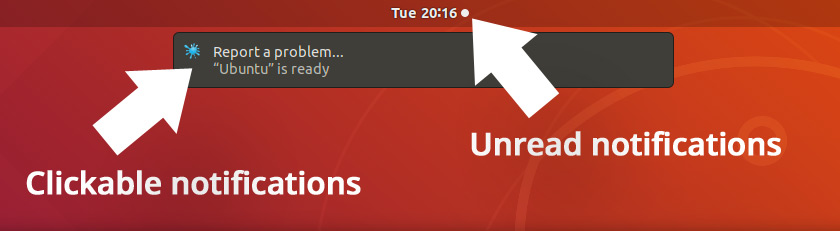
Better Notifications
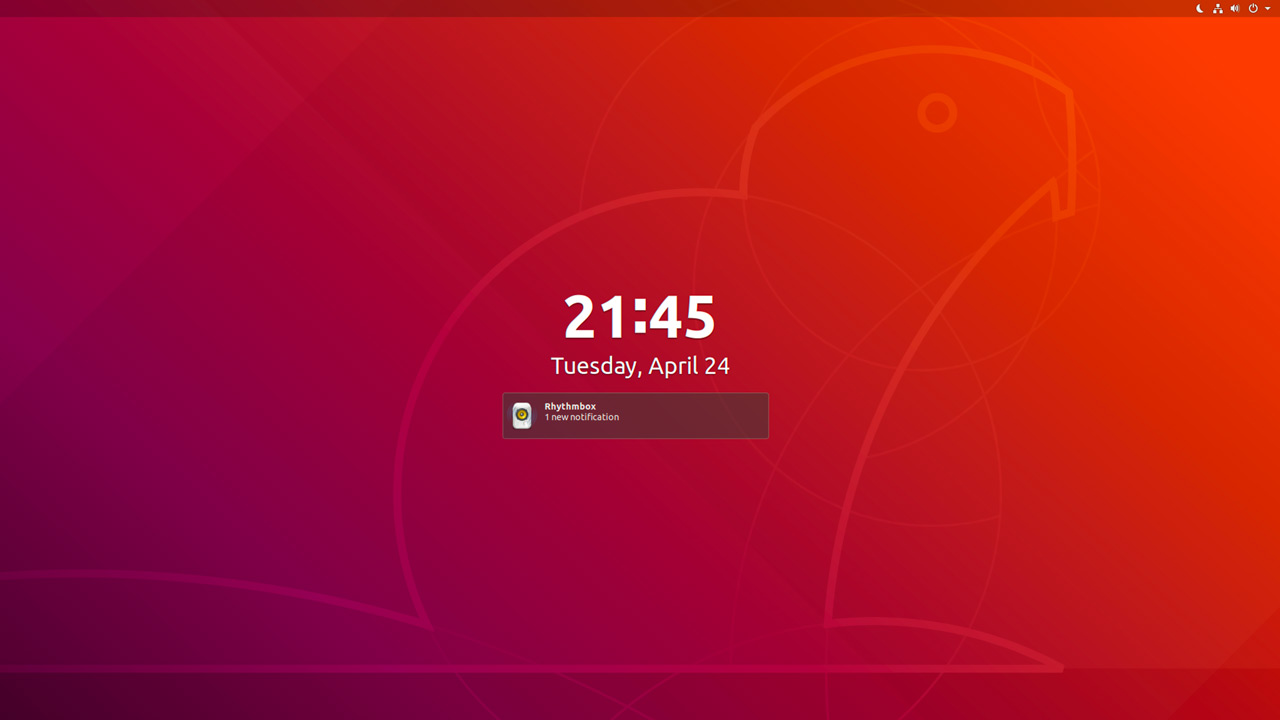
New login & lock screen

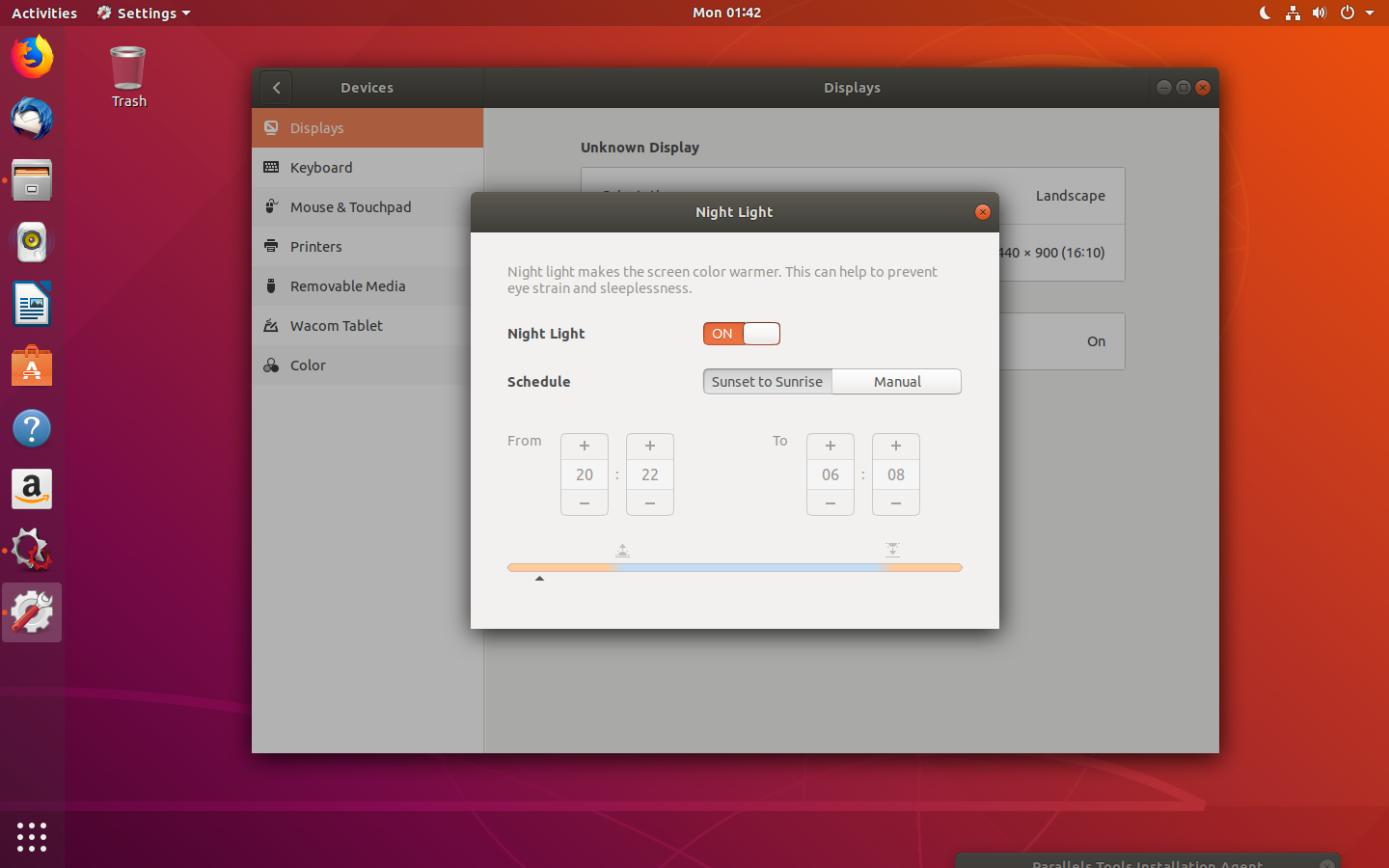
Improved Settings App
Easy Emoji Entry

Grab Your Ubuntu 18.04 Download

Download Here :::


 Hello, my name is P.Gurunadh.I am created this blog to spread information easily
No comments:
Post a Comment